
Mac scrolling, made clear.
Mouse your way. Trackpad your way.
Keep the gestures that feel natural. Tune each device separately, then see exactly what is active from the menu bar.
Separate direction and speed by device
Start fast with recommended presets
See permissions and status in one place
Menu bar utilityOne-time purchasePreset firstmacOS 14+
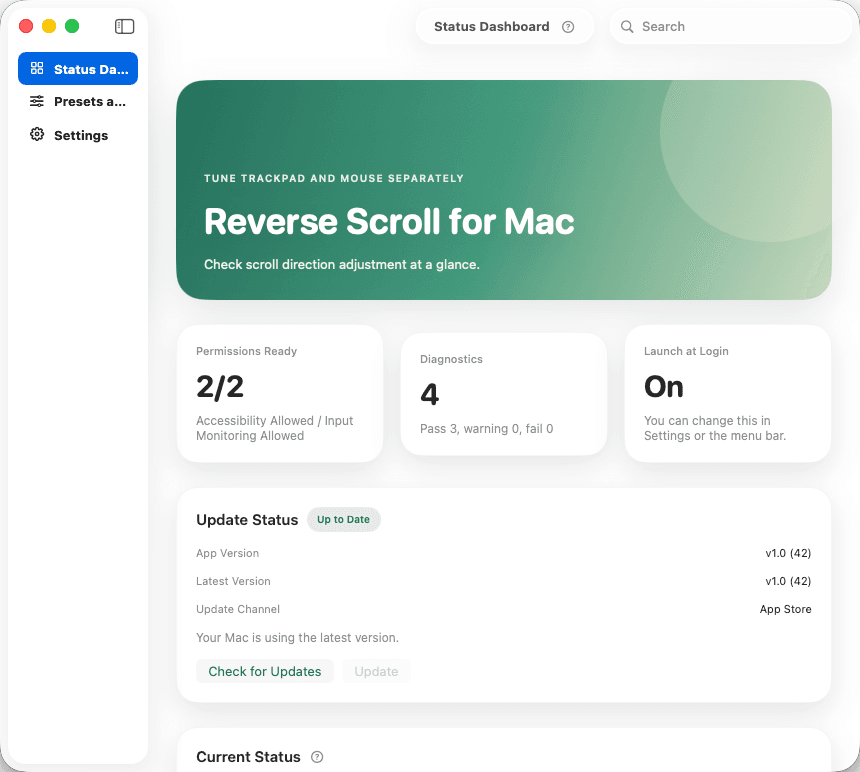
01PRESETS
Start simple. Go deeper only if you want.
Recommended presets lead the setup. Advanced controls stay available without getting in the way.
Separate direction and speed by device
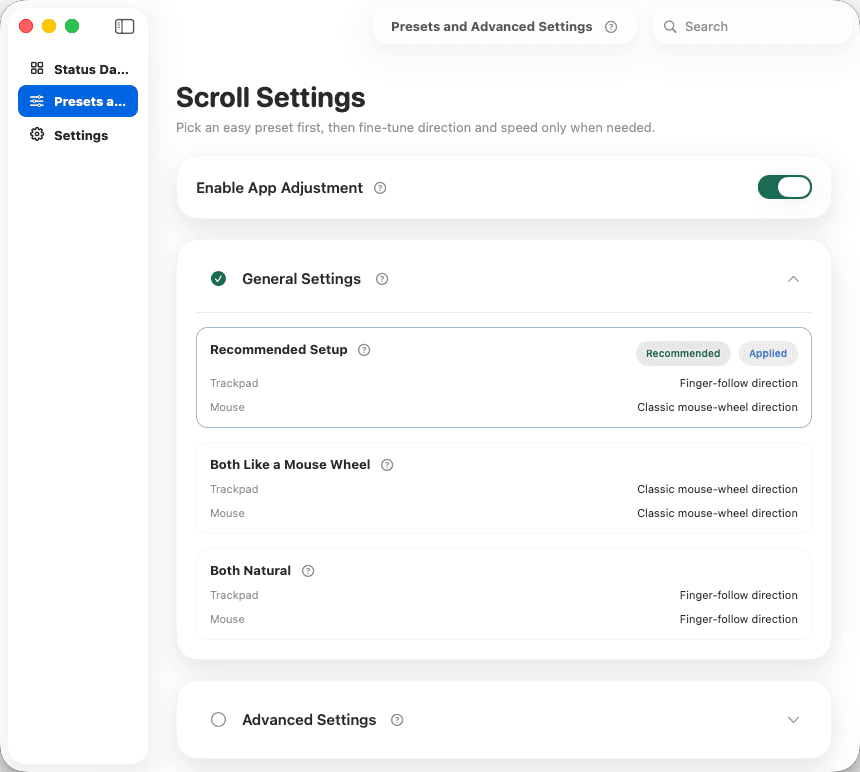
02STATUS
Everything important. One calm screen.
Permissions, launch state, and the active preset sit together so the next step is obvious.
Start fast with recommended presets
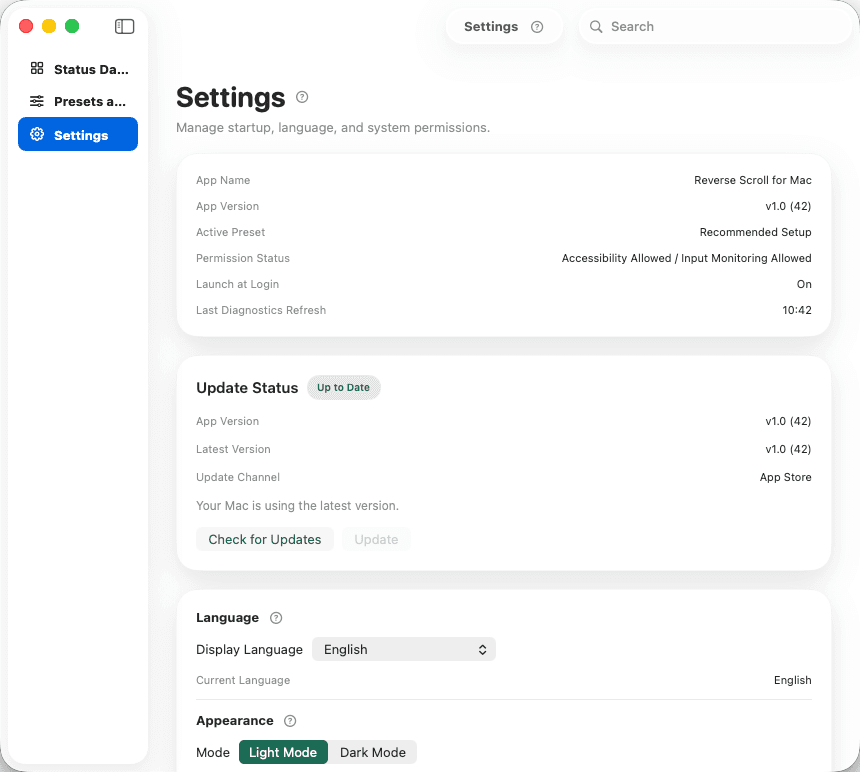
03SETTINGS
Only the settings people actually need.
Permissions, launch behavior, and display language live together instead of being scattered.
See permissions and status in one place
FEELS NATURAL AGAIN
The quiet way back to scrolling that feels right.
Mouse like a mouse. Trackpad like a trackpad. Reverse Scroll keeps the two cleanly apart.